Photo & video
GhostSnap Before and after photo comparison for Android
Before and after photo comparison for Android. Overlay your last photo on the camera and make time-lapse videos.
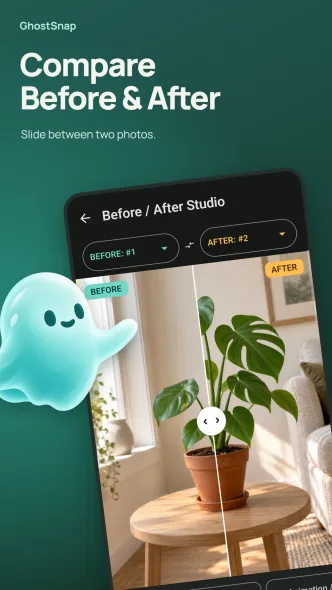
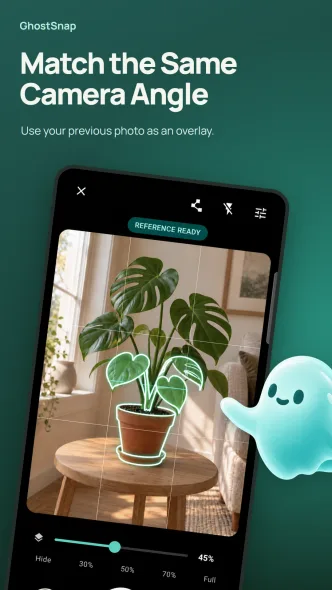
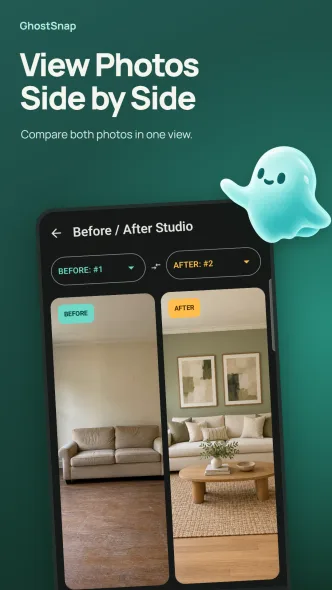
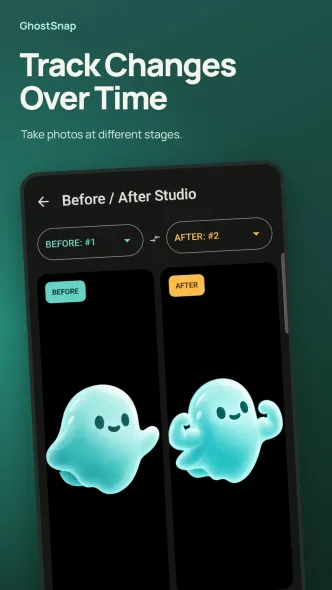
GhostSnap is a before and after photo app for Android. Take each photo from the same camera angle, compare shots with a slider or side-by-side view, and track changes over time. Turn a photo series into an MP4 time-lapse video and save it to your gallery.
It suits plant growth, room renovations, workspace updates and fitness progress photos. Set daily, every-two-days or weekly shooting reminders for each project. The app shows ads from Google AdMob, and optional Pro purchases are processed by Google Play.
Features
- Last photo shown as a transparent camera overlay
- Contour view to line up subject and background
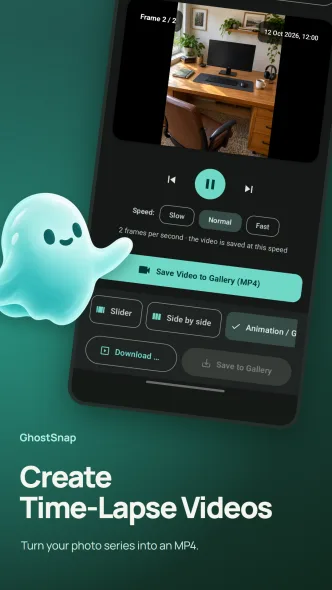
- Before and after comparison with a slider, side-by-side or animation
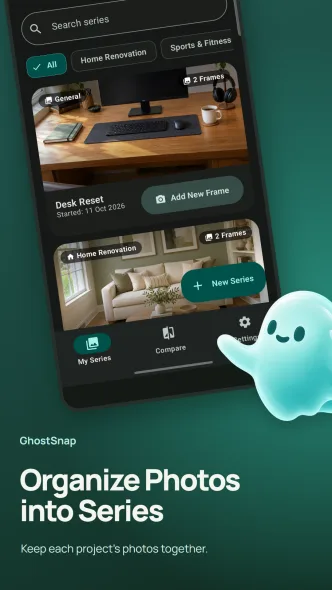
- Photo series per project to track change over time
- MP4 time-lapse videos saved to your gallery
- Daily, every-two-days or weekly shooting reminders
- English and Turkish, with light and dark themes
Privacy
Your photos, projects and settings stay on your device, and you do not need an account. The app shows ads from Google AdMob, and Pro purchases are processed by Google Play. Read the privacy policy for details.
Frequently asked questions
How does GhostSnap help me take the same photo again?
It shows your previous photo as a transparent camera overlay, with an optional contour view, so you can line up the next shot.
Can I make a time-lapse video?
Yes. Turn the photos in a project into an MP4 time-lapse video and save it to your gallery.
Can I set reminders to take photos?
Yes. Choose daily, every-two-days or weekly shooting reminders for each project.
Are my photos uploaded to a server?
No. Photo capture, comparison and video creation happen on your device, and photos are not uploaded to our servers.